Download
The right edition.
Please compare the Minecraft version, platform and requirements before installing. Release ZIPs must be extracted according to their respective manuals.
READYComplete package
One download for everything: optional client, native Fabric server mod with companion datapack, standalone Realm datapack, and German and English documentation.
SHA-256: b4be3d9081f36f93a8876815e7cca0063778b616c91f8a4a49684662de5381bfDownload release 01Performance note
Minecraft Java Realms currently has performance issues. On a dedicated Fabric multiplayer server and in singleplayer, Copper Filter Hopper runs smoothly based on gameplay experience so far. We recommend these two options for smooth operation.
Redstone: different blockers, different signal strengths
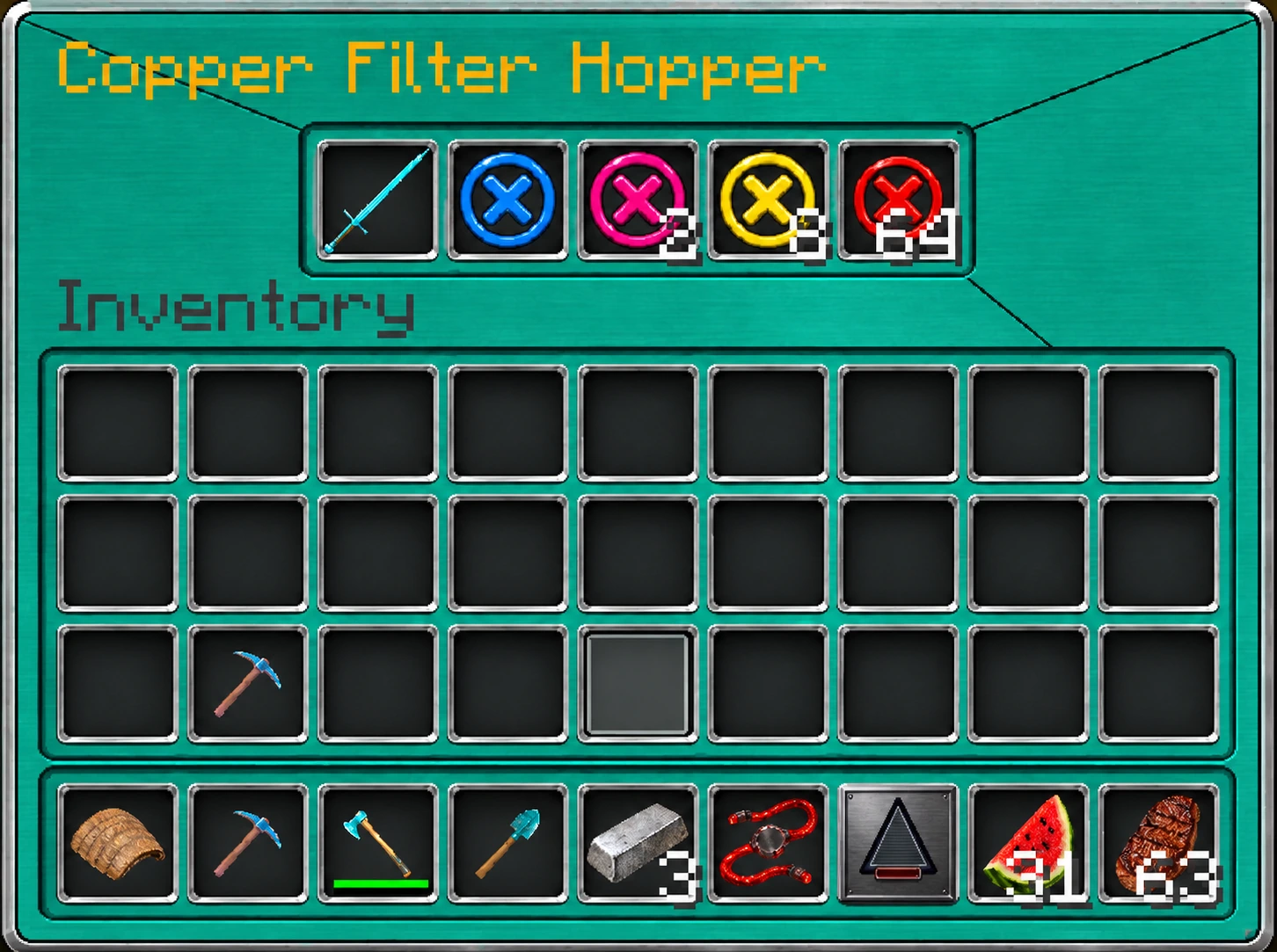
The coloured filter blockers completely block their respective slots. Their different weights change the fill level measured by the comparator and thus the redstone signal strength: blue 1/64, pink 2/64, turquoise 4/64, yellow 8/64, purple 16/64, orange 32/64 and red 64/64.
The output signal comes from the combined occupancy of all five slots, including real items. The weights are not fixed signal strengths for each colour; combinations of blockers allow different output strengths. They change neither pickup nor transfer speed. A hopper directly powered by redstone still stops transferring. The product information and manual in the complete package also explain the blocker weights.
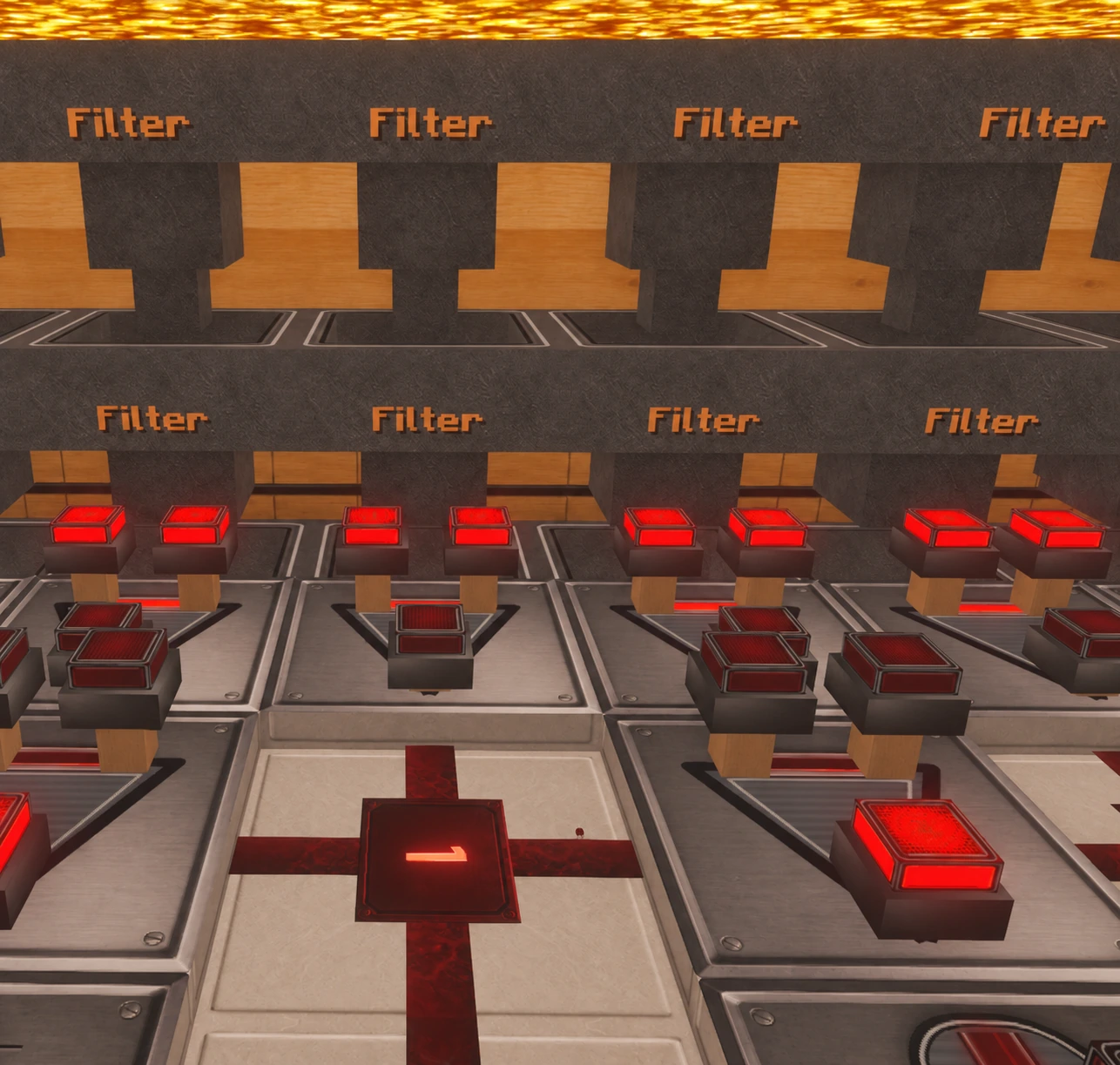
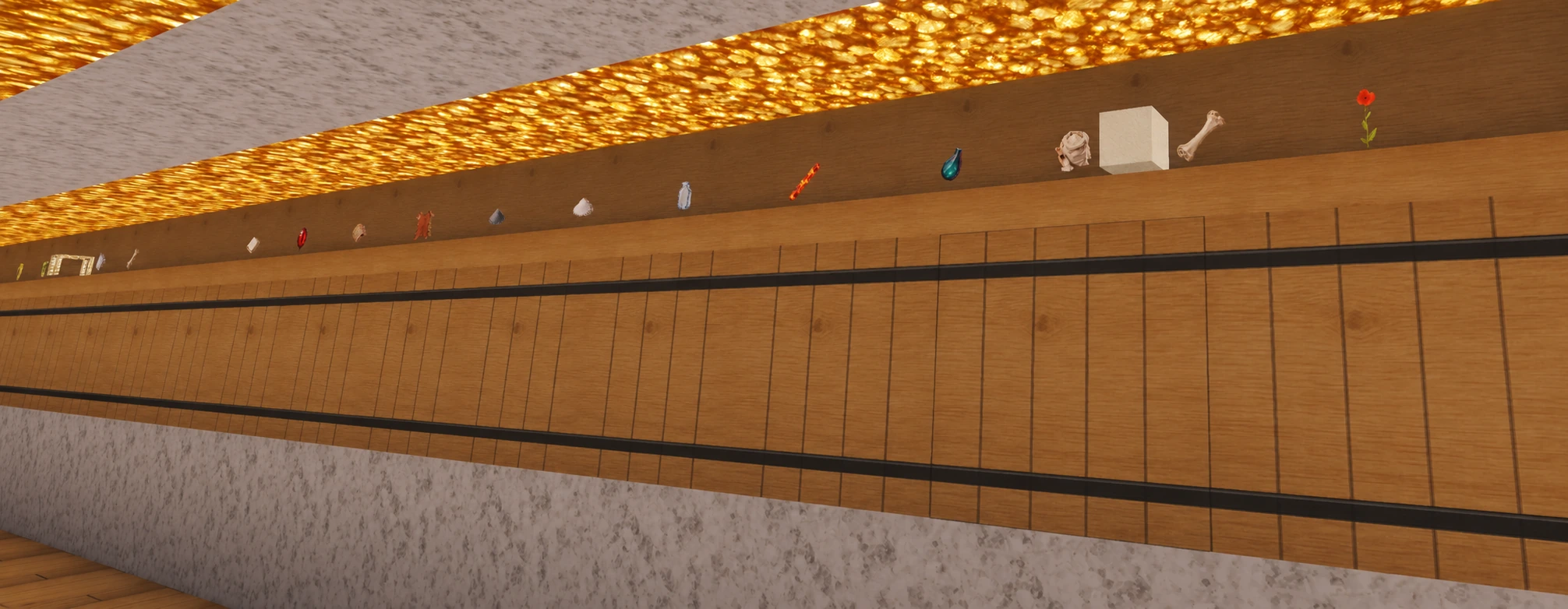
Images from David's sorting system
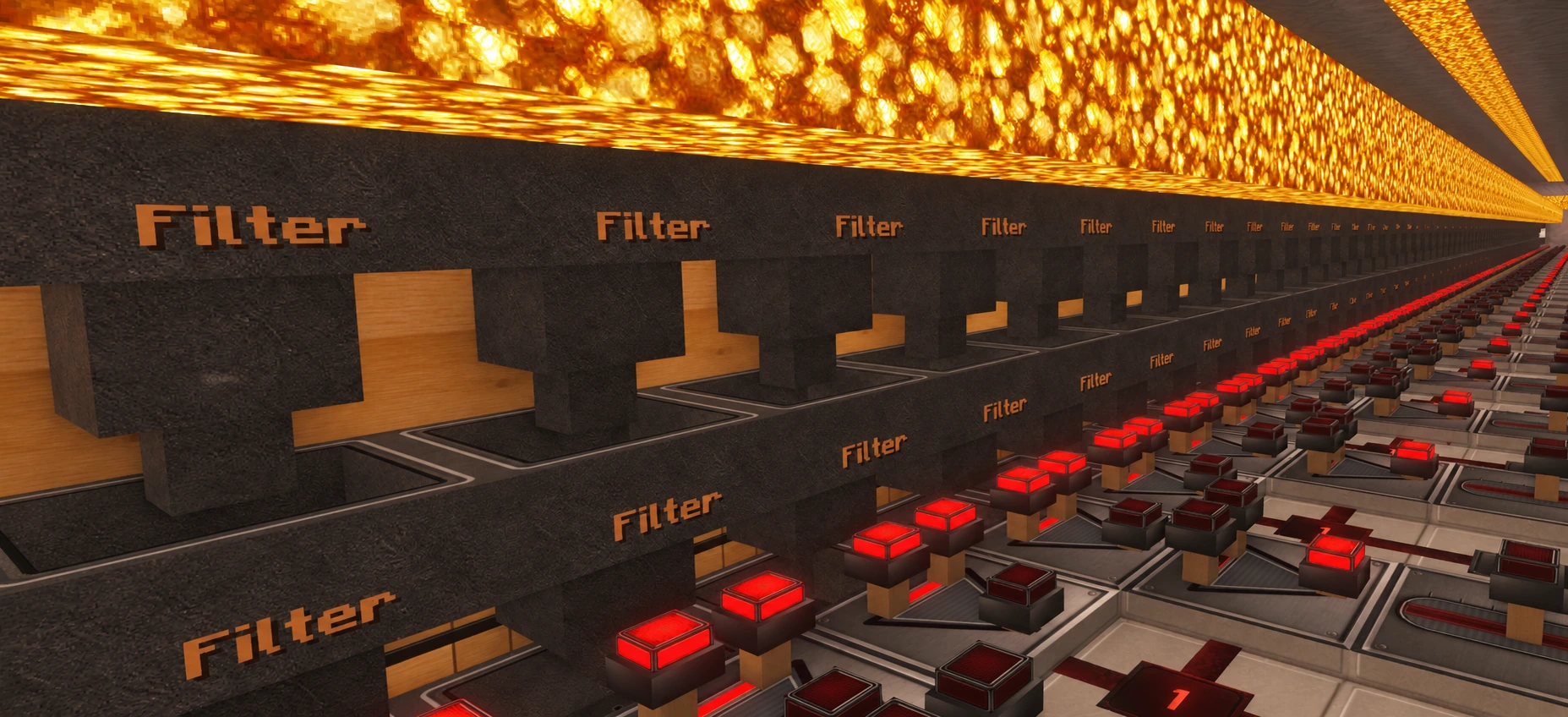
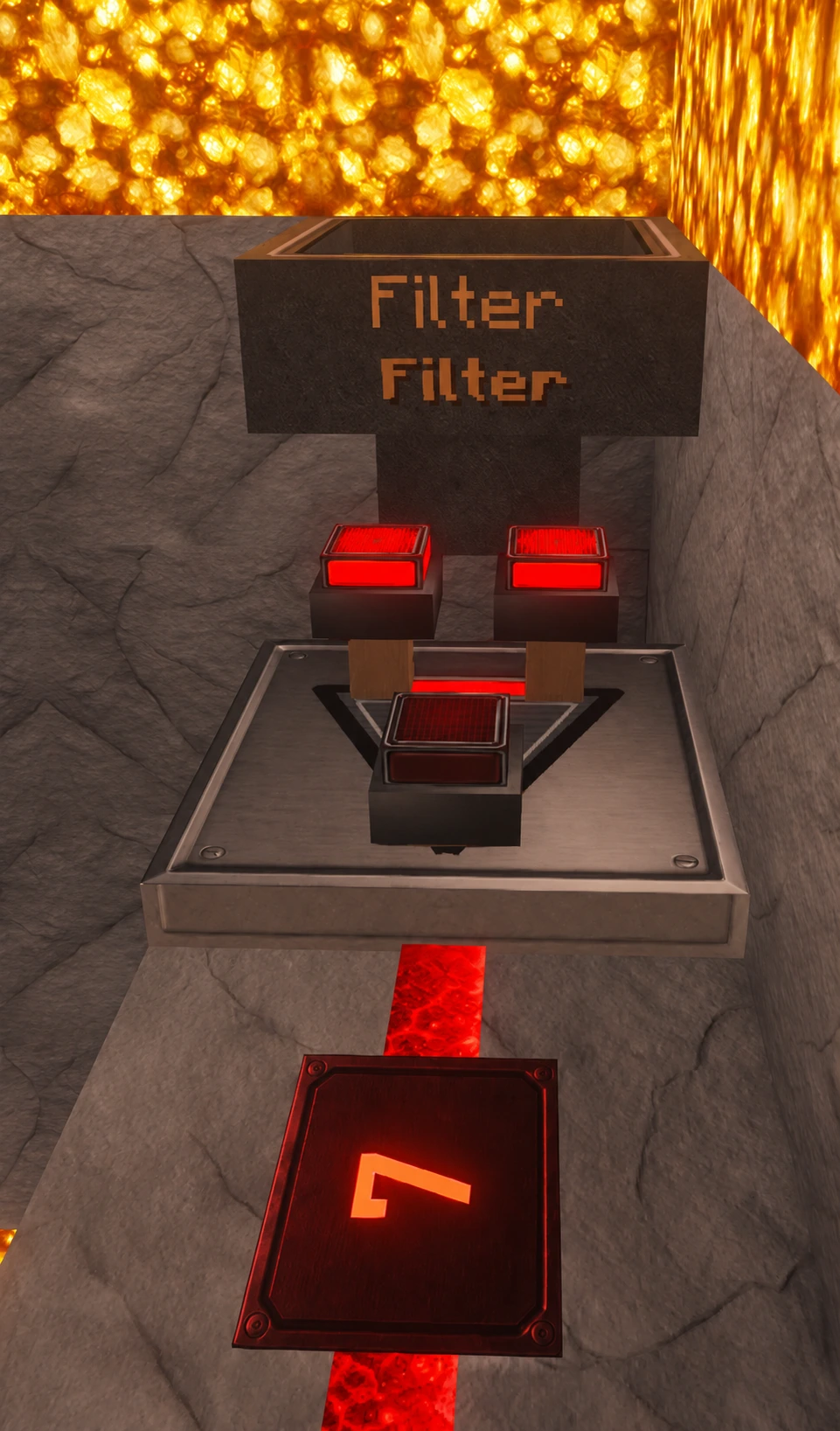
The five views show the hopper rows with redstone circuits, the filter menu and the associated storage wall. They are based on in-game screenshots from 3 October 2026. The website versions were edited with AI for readability; crosshairs and player HUD were removed. They show an example system; the visible appearance also depends on the resource packs and shaders used.
Installing in the correct profile
The complete separate DE/EN manuals are in 02_Install in the complete package; product information and terms of use are in 01_Info.
Client JARs belong in the mod folder actually loaded by your installation. If your Iris/Sodium profile uses the reserved folder, place the JAR for Minecraft 26.3 directly in %APPDATA%\.minecraft\iris-reserved\26.3. Do not create an additional mods subfolder. Other Fabric profiles or launchers may use other folders; Iris and Sodium do not require this path in every installation.
Before making changes, close Minecraft, replace the old mod version in the relevant profile, provide matching dependencies and start that exact profile. Install server JARs and Realm datapacks according to their own instructions.
Features
- Five independently adjustable filter slots.
- Pick up matching items from water channels and containers directly above.
- Filter templates remain in the hopper.
- Seven coloured blocker levels from blue to red.
- Normal hoppers retain their vanilla behaviour.
- Redstone can stop transfers as intended.
Which components do I need?
The complete package contains both server variants and the optional client. For Java Realms or a vanilla single-player world, use only the Realm datapack. For your own Fabric server or Fabric single-player world, use the Fabric server mod together with the Fabric companion datapack.
The client is optional and adds visuals and direct slot controls. The Realm datapack and Fabric companion datapack must not be loaded together in the same world.
Requirements
- Minecraft Java 26.3.
- Fabric: Java 25 or later and Fabric Loader 0.19.5 or later.
- Optional client: Fabric API 0.160.5+26.3 or a compatible newer version.
- No Bedrock version.
Installation – Fabric
- Download and extract the complete package.
- Close Minecraft or stop the server and back up the world.
- Copy the server JAR from 05_Server into the mods folder.
- Copy the companion datapack from 05_Server into the world's datapacks folder.
- Remove old Copper versions; never load the Realm and Fabric datapacks together.
- Optionally copy the included client from 04_Client into your local mods folder and install Fabric API.
Installation – Realms
- Download and extract the complete package.
- Place the ZIP from 06_Realm unchanged into the datapacks folder of a local copy of the world.
- Load the world locally and check functionality.
- Back up the current Realm state before uploading.
- Upload the prepared world as the Realm world.
- Optionally install the included client from 04_Client locally.
Controls
With the optional client, Shift + left click lowers the blocker level; Shift + right click raises it. Without the client, use the filter blocker controller.
The recipe uses five copper ingots and a chest. A stick alone in the crafting grid creates the controller.
Limitations and notes
- Java Realms currently has performance issues; large sorting systems can require particularly high tick time.
- No blanket promise of 20 TPS or compatibility with every inventory mod.
- When updating, bring all Copper components in use to the same version together.
- The client mod alone provides no filtering logic.
Branding and concept graphics may be created with AI assistance. Images labelled as in-game screenshots come from the game. Further information is in AI transparency.
AI transparency Questions about the project
Need help with installation or choosing a variant?