Halloween V1.0 · 32×
20.1 MiB · Separate Halloween overlay. Unchanged resources come from Vanilla or a lower-priority pack.
SHA-256: 843cf9a68d1ffcdc31af82c07c052b4a27c94f6a18f9ddb1a55c68f86df90bbbDownload releaseMinecraft Resource Pack · Halloween
Realistic horror mobs, costumed villagers, bloody weapons, creepy masks and glowing pumpkins transform your Minecraft world.
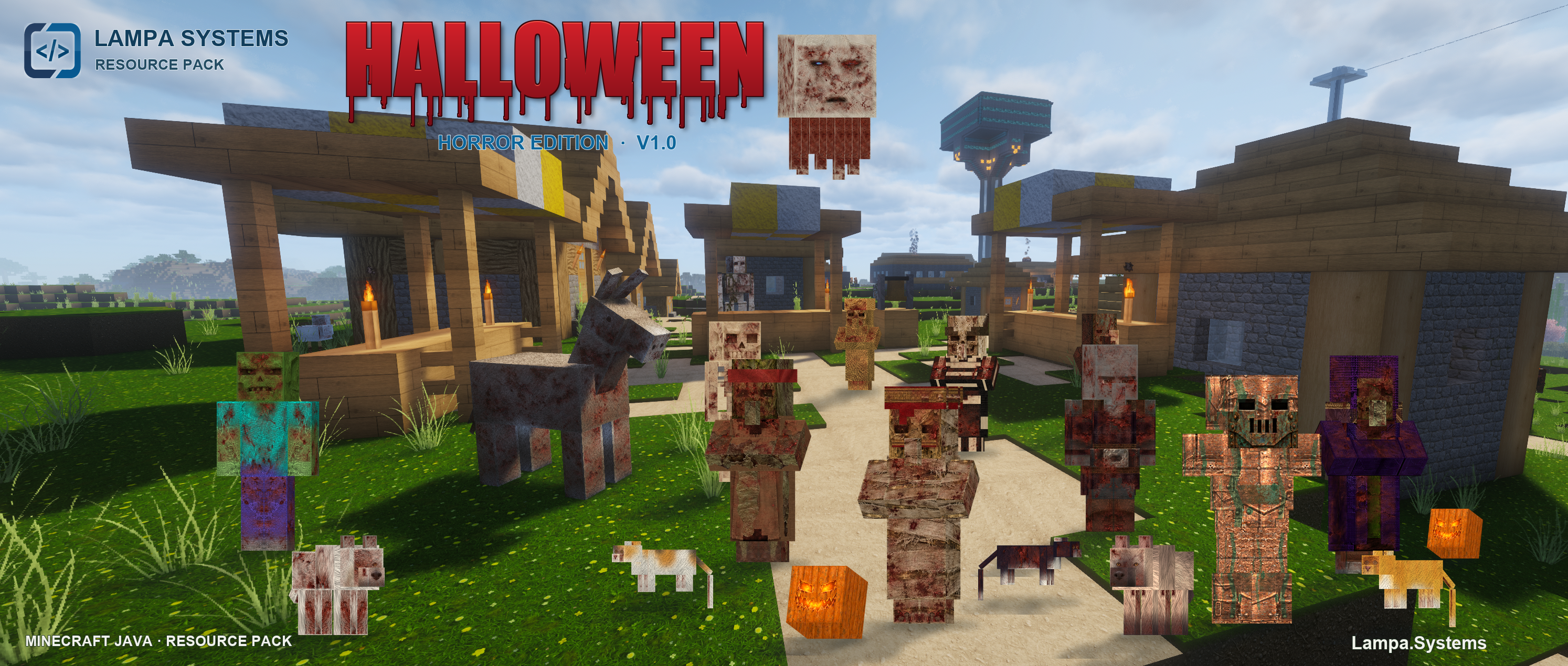 Halloween V1.0 · Ultra Realistic V1.04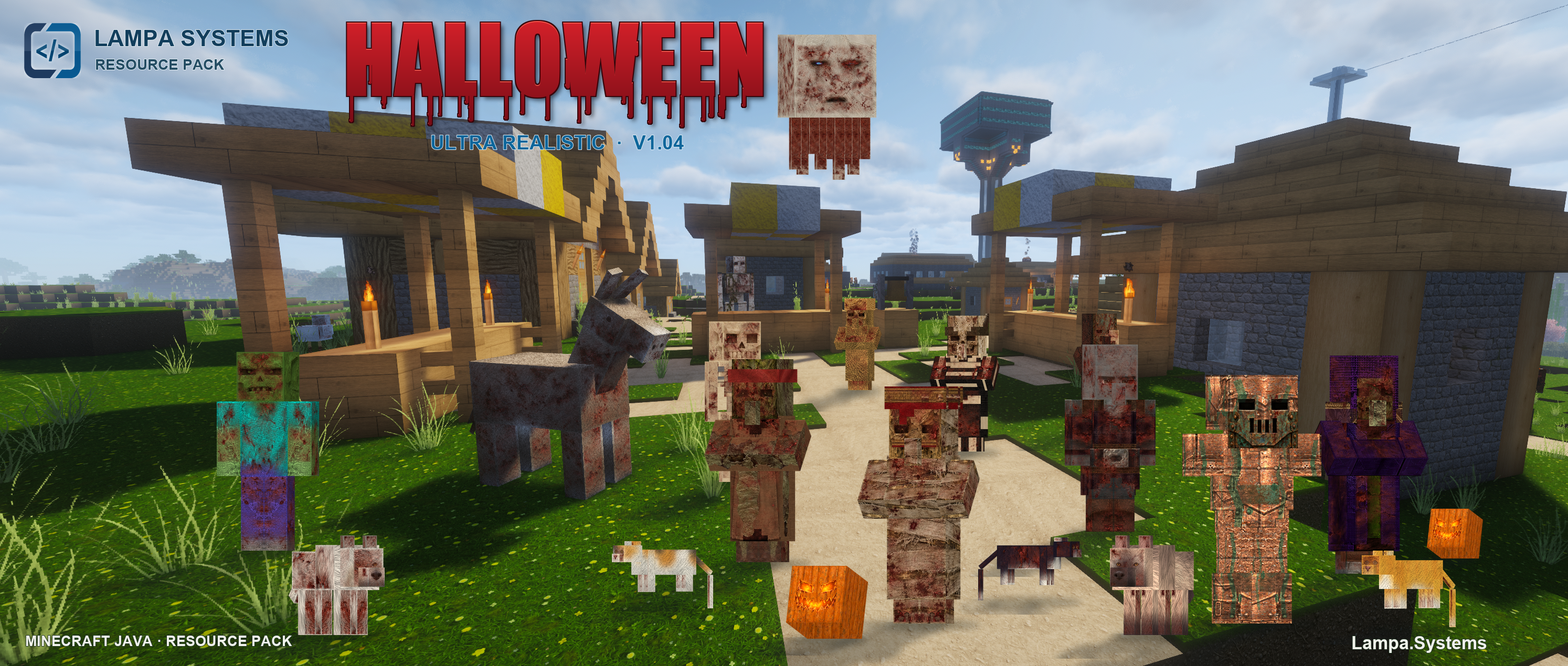
Touch an image or focus it with the mouse
Download
Please compare the Minecraft version, platform and requirements before installing. Release ZIPs must be extracted according to their respective manuals.
20.1 MiB · Separate Halloween overlay. Unchanged resources come from Vanilla or a lower-priority pack.
SHA-256: 843cf9a68d1ffcdc31af82c07c052b4a27c94f6a18f9ddb1a55c68f86df90bbbDownload release113.0 MiB · Ultra Realistic with the Halloween Edition included. No additional base pack required.
SHA-256: d622292b4eab350ca548a458f8bda12597e8196cf6912bb5db1ddbd93f679ea1Download releaseHigher resolutions via Patreon. Availability and access are described in the relevant post.
Go to PatreonV1.0 changes selected Halloween resources and leaves other resources to the lower-priority pack or Vanilla.
V1.04 includes Ultra Realistic and the Halloween overlay together. Choose one of the two editions; you do not need both at the same time.
The title images are designed compositions based on a Minecraft screenshot with added pack characters and typography. They are not unmodified in-game screenshots.
Branding and concept graphics may be created with AI assistance. Images labelled as in-game screenshots come from the game. Further information is in AI transparency.
AI transparencyQuestions about the project