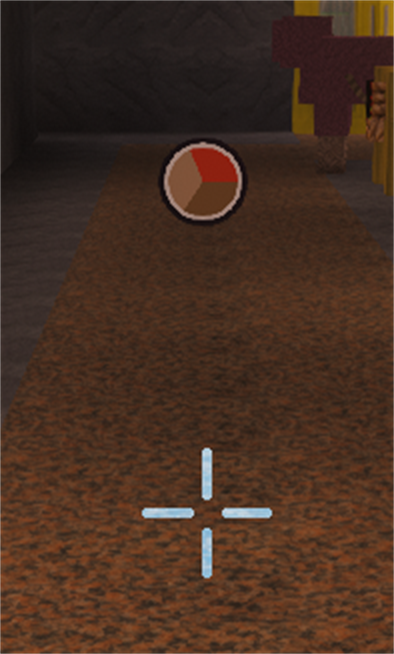
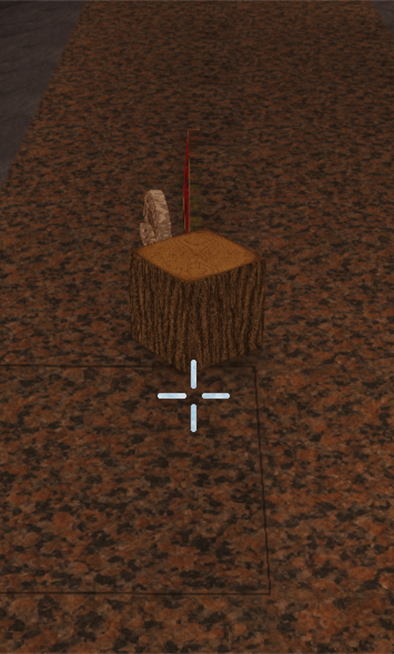
This Fabric client mod simplifies rendering of distant dropped items. Nearby items remain visible as models, while distant groups appear as small coloured circles.
Minecraft Java 26.3
Fabric client
Java 25
Realms compatible
Release 1.0
01 / 0202 / 02
Touch an image or focus it with the mouse
Download
The right edition.
Please compare the Minecraft version, platform and requirements before installing. Release ZIPs must be extracted according to their respective manuals.
READY
Item Performance 1.0
Client mod for Minecraft Java 26.3. The ZIP contains the mod JAR in 04_Client, complete German and English manuals, product information, copyright, changelog and test status.
The complete separate DE/EN manuals are in 02_Install in the complete package; product information and terms of use are in 01_Info.
Client JARs belong in the mod folder actually loaded by your installation. If your Iris/Sodium profile uses the reserved folder, place the JAR for Minecraft 26.3 directly in %APPDATA%\.minecraft\iris-reserved\26.3. Do not create an additional mods subfolder. Other Fabric profiles or launchers may use other folders; Iris and Sodium do not require this path in every installation.
Before making changes, close Minecraft, replace the old mod version in the relevant profile, provide matching dependencies and start that exact profile. Install server JARs and Realm datapacks according to their own instructions.
02
Features
By default, real item models remain visible up to and including ten blocks away.
More distant item groups appear as circles with up to four colours.
Circles remain 0.5 blocks in size, including their outline.
Solid walls hide the markers.
Vanilla view distance and the server entity range remain authoritative.
Rendering can be enabled and disabled locally.
03
What stays unchanged
All real items remain fully present. Quantity, pickup, physics, server logic and network traffic are unchanged.
The mod optimises rendering only on your own client. No specific FPS gain or improvement in server TPS is promised.
04
Requirements
Minecraft Java 26.3.
Java 25.
Fabric Loader 0.19.5 or later.
Fabric API 0.160.5+26.3 or a compatible newer version.
No server or Realm installation required.
05
Installation
Close Minecraft and prepare a Fabric profile for Minecraft 26.3.
Download and extract the release ZIP.
Copy the included Item Performance JAR into the active profile's mods folder.
Install Fabric API separately in the same mods folder.
Remove older Item Performance versions from the active mod folder.
Start the Fabric profile and check the loaded version with /itemperf.
06
Controls
/itemperf – Status und Version anzeigen.
/itemperf on – Mod einschalten.
/itemperf off – Vanilla-Darstellung verwenden.
/itemperf distance 10 – Übergangsdistanz auf zehn Blöcke setzen.
/itemperf distance 0 – Kreise deaktivieren.
/itemperf reload – Konfiguration neu laden.
07
Compatibility
The Iris/Sodium rendering path was tested with Complementary Unbound. This does not guarantee compatibility with every shader or modpack.
Resource packs may affect item colours and model sizes. The mod requires neither Copper Filter Hopper nor a server-side installation.
Image notice
Branding and concept graphics may be created with AI assistance. Images labelled as in-game screenshots come from the game. Further information is in AI transparency.